Etch-A-Stitch Just Like A Digital Etch-A-Sketch!
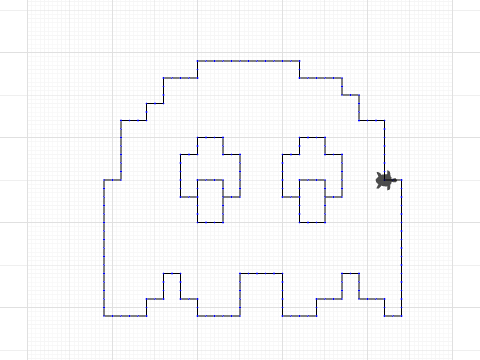
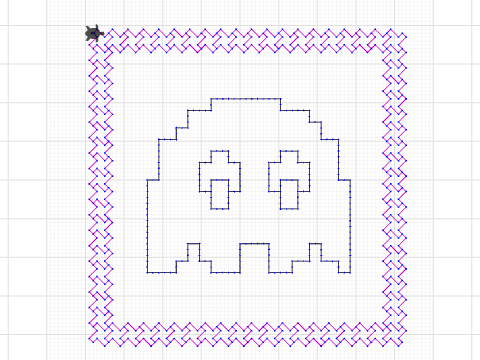
by Elaine
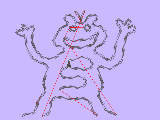
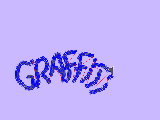
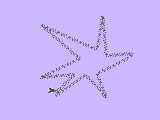
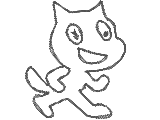
Press 0 to start. Then use the arrow keys to draw your design, like a digital Etch-A-Sketch. Press u to lift the pen (move without stitching) and d to put it back down. Made a mistake? Press r to undo your last keystroke. When you're happy with your design, press s to scale it. You'll then be asked if you want to scale your design. If you're happy with the size, just type no. Otherwise, enter a decimal to resize it: something like .50 to make it half the size, or 2.25 to make it more than double!
Check out my blog posting - https://turtlestitch.blogspot.com/2026/06/etch-stitch-draw-your-embroidery-with.html
Created: 3 months ago
Last modified: 2 months, 3 weeks ago
This project is shared under the
Creative Commons Attribution-NonCommercial-ShareAlike (CC BY-NC-SA) license .
Creative Commons Attribution-NonCommercial-ShareAlike (CC BY-NC-SA) license .
Comments (0)
No comments yet